 Get Started Free
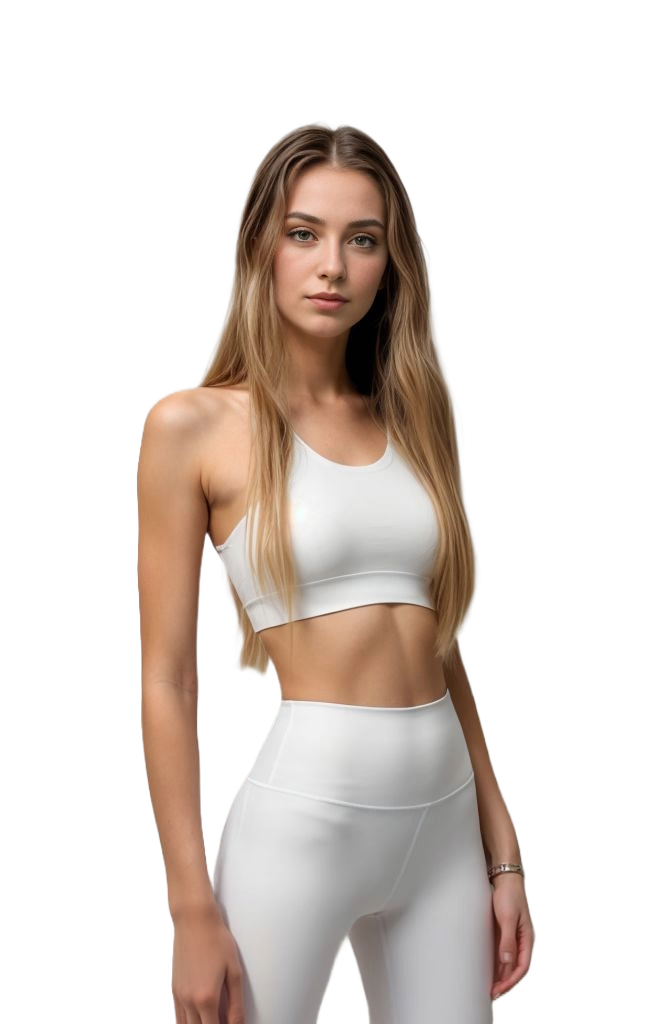
See VFit in action
Want this experience on your store? Start with the Virtual Try-On app or generate imagery via AI Model Photos.
How VFit works
Try on outfits in three simple steps. Need on-model assets? See AI Model Photos for Shopify.

1. Upload
Upload product photos.

2. Select
Pick model, pose and background.

3. Export
Download or publish to Shopify and social channels.

Upload product photos
Simply upload any clothing item, use our one-click capture feature, or select a product directly from your Shopify store. Generate on-model photos fast with AI Model Photos.

Choose model
Select a model that fits your target audience. Our advanced AI creates a digital twin that matches your exact body measurements and proportions. Let shoppers visualize fit on PDPs with Virtual Try-On.

Select pose
See how clothes look on you in different poses and positions. Our AI generates realistic visualizations showing how garments fit and drape in various natural postures. Embed interactive previews via Virtual Try-On.

Backgrounds
Choose a background color to match your brand or product style. Instantly preview your outfits on clean, solid backgrounds for a polished, professional look. Need bulk, consistent imagery? Try AI Model Photos.
Accessories Try‑On
Enable try‑on for accessories like hats, glasses, shoes, rings, earings, necklaces, bracelets, and watches. Choose a scene background for lifestyle context or export with a transparent background for clean overlays. Each accessory type offers 16 curated models to match your brand and audience.
Accessory types
Hats · Glasses · Shoes · Rings · Earings · Necklaces · Bracelets · Watches
Background options
- Background: render on curated scenes for lifestyle visuals.
- Transparent: PNG with alpha for PDP overlays and thumbnails.
Pick from 16 models
- Each accessory type includes 16 model options.
- Swap models without re‑uploading product photos.
- Maintain consistency by reusing model sets across collections.

Custom AI models
Create and save your own branded model profiles for consistent product imagery. Specify age range, body type, gender expression, ethnicity context, and styling attributes—or start from an existing reference photo. Each custom model becomes instantly reusable across future garments and scenes, ensuring visual continuity in your catalog. Use them across AI Model Photos & Virtual Try-On.
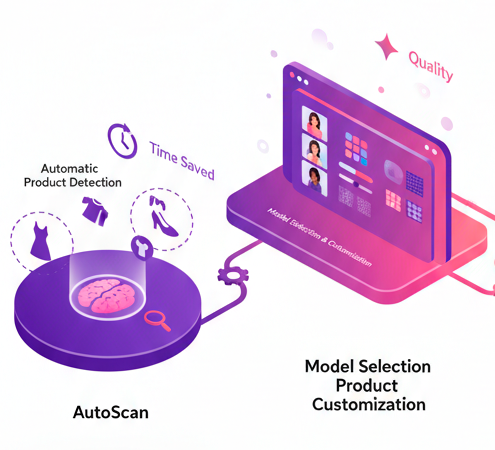
Smart Scan: AI That Selects Automatically
Create professional images in seconds with a single click. The AI analyzes your store and automatically selects the best product, model, pose, and background—perfect for quick demos or when you're not sure which options to choose.
Key features:
- Intelligent analysis of best-selling products
- Automatic optimal model and pose selection
- Professional results without manual configuration
- Only 1 credit per Smart Scan analysis
From hours to seconds—complete automation with AI.
360° Viewer: Interactive Experience
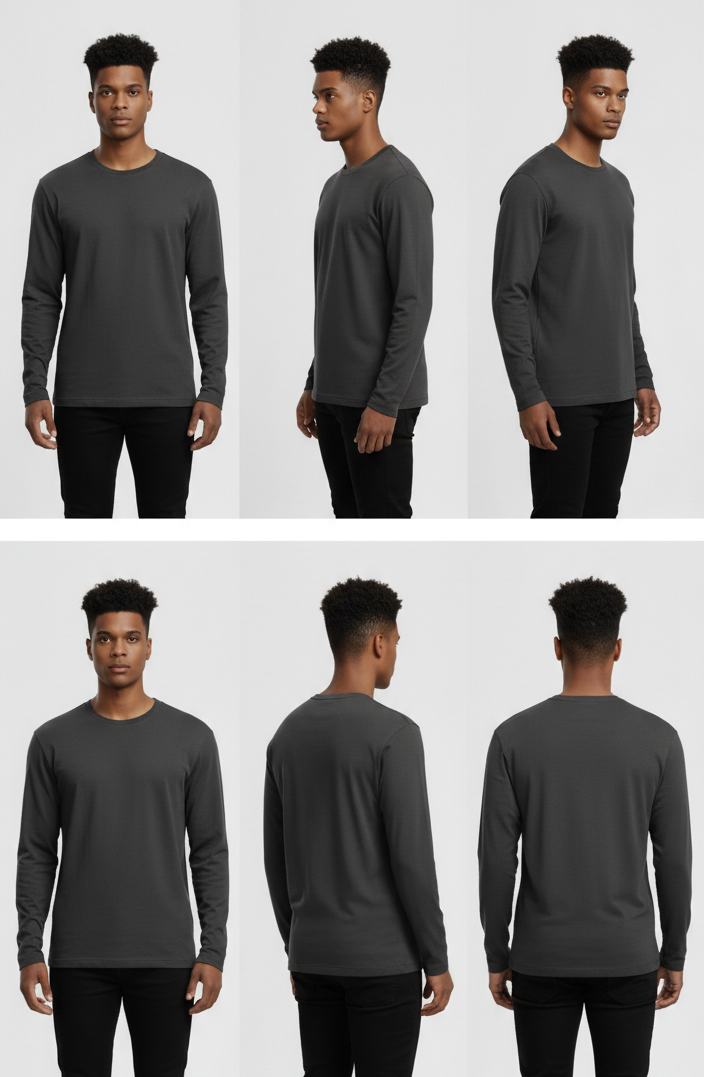
Transform any product into an immersive shopping experience. The AI generates 8 rotated views that customers can explore interactively, increasing conversions up to 27% and reducing returns by 35%.
Two implementation options:
- Animated GIF: instant integration in product gallery
- Interactive Viewer: full control with drag, zoom and rotation
- 8 photorealistic angles (45° increments)
- Compatible with mobile and all Shopify themes
Product experiences that sell—without photography equipment.
Bring products to life with AI. Faster production, better visuals. Start with Virtual Try-On or create assets via AI Model Photos. Try Smart Scan for instant selection or 360° View for interactive experiences.
Free trial & support
Try all features with a free trial. Onboarding and priority support available. Read more: Virtual Try-On · AI Model Photos
Start Free Trial